Why Google Is Not Indexing My Website | Fix It Fast
If you have launched a website and your pages are not appearing in Google search results, you are not alone. This is one of the most frustrating situations a marketplace founder or digital business owner can face, especially after investing heavily in content, development, and platform setup. Why Google is not indexing my website is a question that comes up constantly, and the answer is rarely a single issue. Most of the time it is a combination of technical gaps, configuration mistakes, and signals that tell Google your site is not ready to be crawled or surfaced.
At Journeyhorizon, we work with marketplace founders across both development and SEO, and indexing problems are among the most common issues we encounter when a client comes to us with stalled organic growth. The good news is that most of these problems are fixable once you understand what is actually happening.
How Google's crawl and index process works
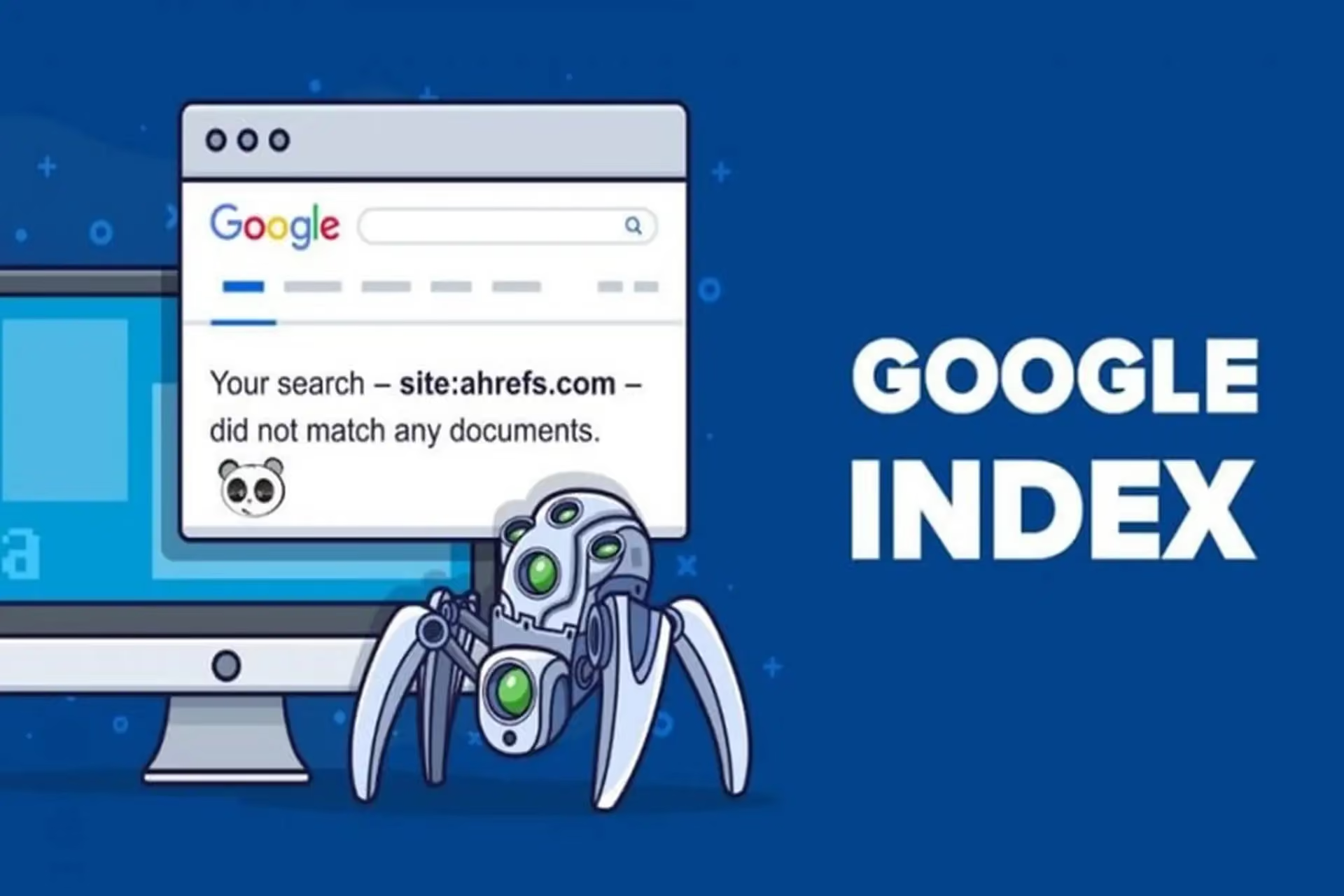
Before diagnosing why your site is not being indexed, it helps to understand what Google actually does when it discovers a website. Google uses automated crawlers called Googlebot to browse the web and follow links from page to page. When Googlebot finds a page, it reads the content, the HTML structure, and the metadata. If the page passes Google's quality thresholds and carries no signals blocking it, the page gets added to Google's index. Only indexed pages can appear in search results.
This process is not instant. For new websites or recently added pages, it can take anywhere from a few days to several weeks. But if weeks pass and nothing appears in Google Search Console, something is actively preventing indexing. That is the situation worth investigating.
The most common reasons Google is not indexing your site
There are several technical and content-related reasons this happens, and identifying the right one requires a methodical approach rather than guesswork.
Robots.txt blocking Googlebot. Your robots.txt file tells crawlers which parts of your site they are and are not allowed to access. A misconfigured robots.txt can accidentally block Googlebot from crawling your entire site or key sections of it. This is more common than people expect, particularly after a site migration or platform switch. If your robots.txt contains Disallow: / under the Googlebot user agent, your site will not be crawled at all.
Noindex meta tags left from development. Developers often add noindex directives during a staging or pre-launch phase to keep the site out of search results while it is being built. The problem is that these tags sometimes get left in place after launch. Check your page source or run a crawl to confirm whether noindex is present on pages that should be publicly indexed.
The site is brand new with no inbound links. Google discovers pages primarily through links. If your site has no external links pointing to it and you have not submitted a sitemap through Google Search Console, it may simply not have been discovered yet. Submitting your sitemap and requesting indexing of your key pages is the fastest way to accelerate discovery.
Technical errors and thin content. If your server is returning 5xx errors when Googlebot visits, or your pages are extremely slow to load, Google may deprioritise crawling. Similarly, Google does not index every page it crawls. If a page offers little unique value or is substantially duplicated from another source, it may be excluded from the index. This is especially relevant for marketplace sites where listing pages can look nearly identical to each other.
Why marketplaces face unique indexing challenges
If you are building or running a marketplace, the standard advice on indexing does not always go far enough. Marketplaces generate pages dynamically, often at scale, and that creates specific challenges that generic websites rarely face.
Platforms like Sharetribe generate listing pages, category pages, and profile pages programmatically. The challenge is that many of these pages share similar templates and thin content. If hundreds of listing pages have nearly identical copy with only the product name or location changed, Google may choose not to index the bulk of them. The solution is not just to fix a noindex tag. It requires a content strategy that makes category and listing pages genuinely useful and differentiated.
JavaScript rendering is another frequent issue. Some marketplace frontends rely heavily on client-side JavaScript to render content. Googlebot has improved its ability to render JavaScript over time, but it can still miss content that loads asynchronously or depends on user interactions. If your marketplace developer has built a heavily JavaScript-dependent frontend, it is worth auditing whether Googlebot is actually seeing your content using the URL Inspection tool in Search Console.
Crawl budget also becomes a real consideration at scale. Larger marketplaces with thousands of pages need to signal to Google which pages matter most. If Google is spending its crawl budget on low-value URLs such as filtered search results or pagination endpoints, your important pages get crawled less often. This is where canonical tags, internal linking strategy, and a clean sitemap architecture make a genuine difference. For marketplace founders, investing in technical SEO expertise early prevents months of indexing delays as the platform grows.
How to diagnose and fix the problem
Google Search Console is the primary tool for understanding your site's indexing status. Once inside, the Page Indexing report gives you a breakdown of which pages are indexed and which are not, with specific reasons for exclusions. Common reasons include "Crawled, currently not indexed," "Blocked by robots.txt," and "Page with redirect." Each signals a different underlying problem.
The URL Inspection tool allows you to check a specific page, see the last time Googlebot crawled it, and whether the page is eligible for indexing. You can also use this tool to request a fresh crawl. For pages that should be indexed but are not showing up, this is the fastest diagnostic step available.
Once you have identified the cause, the fixes follow a logical order. Correct your robots.txt to ensure Googlebot has access where it should. Audit pages for leftover noindex tags. Submit a well-structured XML sitemap that includes only canonical, indexable pages. For marketplaces, conduct a content audit of your listing and category pages and prioritise enriching them with unique descriptions, structured data, and relevant internal links. A strong SEO service can help you build this architecture systematically rather than page by page.
Frequently Asked Questions
How long does it take for Google to index a new website?
For a new site with no existing authority or inbound links, it can take anywhere from a few days to several weeks. Submitting a sitemap via Google Search Console and requesting indexing of key pages can speed this up. Sites with strong backlink profiles tend to get crawled and indexed faster.
Why is Google not indexing my website even after I submitted a sitemap?
Submitting a sitemap tells Google where your pages are, but it does not guarantee indexing. Google still evaluates whether each page meets its quality standards. If pages have thin content, noindex tags, or technical errors, they may still be excluded. Review the Page Indexing report in Search Console for specific reasons.
Can a Sharetribe or similar marketplace platform cause indexing problems?
Yes. Marketplace platforms that generate pages dynamically can produce large volumes of near-duplicate or thin pages, which Google may choose not to index. JavaScript-heavy frontends can also make it harder for Googlebot to read page content. Getting the technical SEO architecture right for a marketplace requires understanding both the platform's structure and how Google evaluates content at scale.
Understanding why Google is not indexing your website is the first step toward fixing it. The solution is usually a combination of technical corrections, content quality improvements, and better signalling to Google about which pages matter. For marketplace businesses in particular, these issues compound quickly as the platform grows.
If you are building or scaling a marketplace and need support across both the technical and content sides of organic growth, Journeyhorizon works with marketplace founders on exactly these challenges. Whether that means technical SEO, Marketplace Development, or an integrated growth strategy that connects your platform's architecture with your organic visibility goals, the work is most effective when technical and marketing thinking operate together from the beginning.