How to Use Flutter for Marketplace App Development
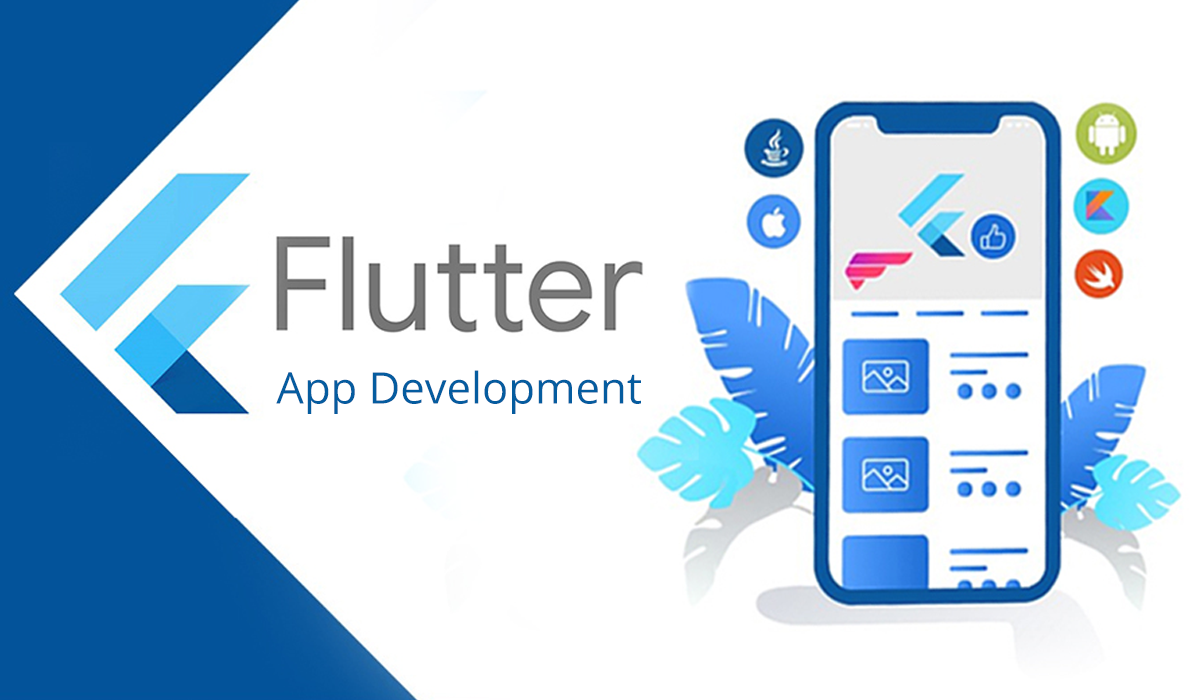
How to use Flutter effectively is becoming essential knowledge for marketplace founders looking to launch multi-platform apps efficiently. Flutter is an open-source UI toolkit created by Google that allows you to build natively compiled applications for mobile, web, and desktop from a single codebase. For marketplace builders, this matters significantly because it reduces development time and cost while maintaining performance across platforms. Many development teams now use Flutter as a core part of their mobile strategy, while businesses that need support from architecture through deployment can work with a Flutter application development service to build and maintain applications across multiple platforms.
At its core, Flutter uses Dart as its programming language and operates on a widget-based architecture. Everything in Flutter is a widget, from buttons and text fields to entire screens and layout systems. This composable approach makes it easier to build complex user interfaces quickly, which is crucial when you're launching a marketplace and need to iterate rapidly.
Understanding how how to use Flutter properly means grasping the widget tree, which represents the hierarchical structure of your app's UI. Unlike some frameworks that rely on XML or HTML templates, Flutter uses Dart code directly to define UI, making the development process more cohesive and the codebase easier to maintain.
The framework also handles state management, which determines how your app responds to user interactions and data changes. For marketplace applications, managing state properly is essential because you're dealing with real-time updates, inventory changes, user notifications, and transaction processing. Flutter provides several approaches to state management, from the simple setState method to more advanced patterns like Provider, Riverpod, or GetX.
Setting Up Your Development Environment
Before you can start building, you need to set up your Flutter development environment. Visit flutter.dev and download the Flutter SDK for your operating system, whether you're on Windows, macOS, or Linux. The installation process includes downloading Dart, which comes bundled with Flutter, and setting up the necessary dependencies for your target platforms.
For marketplace development, you'll likely want to support both iOS and Android, so ensure your setup includes both Android Studio and Xcode (for iOS development on macOS). You'll also want to install an IDE or code editor. Most developers choose Visual Studio Code with the Flutter and Dart extensions, which provide excellent debugging tools and code completion.
After installation, verify your setup by running flutter doctor in your terminal. This command checks that all required dependencies are installed and configured correctly. For marketplace founders building production apps, don't skip this step. A properly configured environment prevents issues later that could delay your launch.
Building Your First Flutter App
To start building with Flutter, create a new project using flutter create my_app. This generates a starter application with a simple counter app that demonstrates key concepts. Understanding this starter template is your gateway to learning how to use Flutter effectively.
The entry point of every Flutter app is the main() function in your main.dart file. From there, you typically run a widget, usually your app's root widget. The MyApp widget usually inherits from StatelessWidget (for static UI) or StatefulWidget (for dynamic UI that changes over time).
Widgets are the fundamental building blocks. Some are layout widgets like Column, Row, and Container that arrange other widgets. Others are input widgets like TextField and Button that respond to user interaction. Text, Image, and Icon are display widgets. Learning how to use Flutter means becoming comfortable combining these widgets to create your desired interface.
The scaffold widget is particularly important for marketplace apps because it provides a basic material design layout, including an app bar, body, and floating action button. Most screens in your marketplace will likely use Scaffold as their foundation.
Marketplace-Specific Considerations with Flutter
Flutter's single codebase approach is particularly valuable for marketplace app development. Instead of maintaining separate teams for iOS and Android development, you can share most of your code across platforms. This is significant for marketplace founders operating with limited budgets or tight timelines, which is why strategic marketplace developers increasingly recommend it for new marketplace projects.
However, marketplace apps typically require sophisticated features that go beyond basic UI. You'll need real-time notifications when orders are placed or statuses change. Flutter supports push notifications through packages like firebase_messaging, which integrates with Firebase Cloud Messaging. This allows your marketplace to notify vendors and buyers instantly when relevant events occur.
Payment processing is another critical component. Most marketplaces accept multiple payment methods. Flutter has packages for integrating Stripe, PayPal, and other payment gateways. Understanding how to use Flutter for payment integration means learning how to handle sensitive data securely and follow PCI compliance requirements.
Image management is also crucial for marketplace apps where vendors upload product photos or users upload profile pictures. Flutter provides image caching and optimization features, but you'll want to use cloud storage solutions like AWS S3 or Google Cloud Storage to handle large-scale image uploads efficiently. The flutter package for Firebase Storage makes this straightforward.
Integrating Backend Services and APIs
Almost all modern marketplace apps are client-server architectures. Your Flutter frontend communicates with a backend API that handles business logic, database operations, and integrations. Learning how to use Flutter for marketplace development means mastering API integration.
The http package is the most common choice for making HTTP requests from Flutter. It allows you to fetch data from your backend, send user input, and retrieve real-time updates. For marketplace apps, you'll be making requests to endpoints that handle user authentication, product listings, order creation, payment processing, and vendor management.
Error handling and data validation are essential. Not every API request succeeds, and you need to handle network errors gracefully. Flutter's try-catch mechanism and proper error callbacks ensure your marketplace continues functioning even when connections are unstable, which is important for users in varying network conditions.
JSON serialization and deserialization is another practical skill. Your backend typically sends and receives JSON data. Flutter provides built-in JSON parsing capabilities, though many developers use the freezed package to auto-generate JSON serialization code, saving time and reducing errors.
Performance and Scaling for Marketplace Apps
As your marketplace grows from hundreds to thousands of users, performance becomes critical. Flutter apps are compiled to native code, which gives them inherent performance advantages over cross-platform frameworks using JavaScript engines. However, poor architecture decisions can still lead to slow, laggy apps.
List performance is crucial for marketplace apps that display product catalogs or transaction histories. Flutter's ListView.builder widget renders items lazily, meaning it only builds list items visible on screen. This approach scales to handle thousands of items efficiently. Understanding when to use ListView.builder versus ListView is part of learning how to use Flutter responsibly at scale.
State management architecture becomes increasingly important as your marketplace grows. If you're using setState for all state changes, your app will struggle once you have multiple interconnected screens and features. This is why many production marketplace apps adopt more sophisticated state management solutions like Provider or Riverpod, which ensure that UI updates are optimized and only components that need to rebuild actually do so.
Database queries also impact performance. While Flutter doesn't mandate a specific backend database, most marketplaces use PostgreSQL or MongoDB. Efficient queries, proper indexing, and caching strategies at the backend level directly affect how quickly your Flutter app can display data to users.
When to Use Flutter for Your Marketplace
Flutter is an excellent choice for marketplace development in many scenarios, but it's not always the right tool. Understanding when to use Flutter helps you make better decisions about your platform architecture.
Choose Flutter if you need to launch on both iOS and Android quickly with a single team. If you're still deciding between the main cross-platform frameworks, our comparison of Flutter vs React Native explains the differences in architecture, performance, development speed, and long-term maintenance. If time-to-market is critical and you want to maintain code consistency across platforms, Flutter delivers. It's also suitable if you anticipate later expanding to web or desktop versions of your marketplace.
Flutter works well for marketplaces that need complex UI with smooth animations and transitions. If your marketplace features sophisticated product filters, real-time search, animated transitions between screens, or custom interactive elements, Flutter's rendering engine handles these elegantly.
However, if your marketplace has highly platform-specific requirements or needs deep integration with native device features that Flutter doesn't yet support, native development might be necessary. Similarly, if you already have significant native codebases, the cost of rewriting in Flutter might not justify the long-term savings.
Many marketplace founders and development partners like Journeyhorizon recommend Flutter when building marketplace applications from scratch, particularly for custom marketplace development that requires both rapid iteration and cross-platform support. The framework's maturity, Google's backing, and the growing ecosystem of packages make it a reliable choice for production marketplace applications.
Building, Testing, and Deploying
Once you've built your marketplace features, testing becomes crucial. Flutter provides excellent testing capabilities. Unit tests verify individual functions work correctly. Widget tests ensure your UI components behave as expected. Integration tests verify that your entire app works together properly, which is particularly important for testing payment flows and multi-step transactions in marketplaces.
The flutter test command runs your test suite. Many marketplace apps include tests for authentication, payment processing, real-time notifications, and API integration to ensure reliability before deployment.
Deploying to the app stores requires following iOS and Android guidelines. For iOS, you'll use Xcode and the Apple Developer program. For Android, you'll use the Google Play Console. Flutter's build systems handle much of the complexity, but understanding app signing, versioning, and store requirements is essential for releasing your marketplace to the public.
The Marketplace Development Advantage
Learning how to use Flutter effectively positions you to build marketplace applications that are performant, maintainable, and scalable. The framework handles much of the complexity of cross-platform development, allowing you to focus on the business logic that makes your marketplace unique.
That said, building a production marketplace involves more than just mobile app development. You need a robust backend infrastructure, payment processing, vendor management systems, user authentication, analytics, and growth strategies. This is where partnering with experienced, specialist development teams becomes valuable. Journeyhorizon is a trusted partner for marketplace founders, combining deep expertise in Sharetribe marketplace development, Flutter implementation, and marketplace growth strategy. Working with proven development partners helps ensure you avoid common pitfalls and accelerate time to market. Whether you're building the mobile frontend in Flutter, implementing SEO strategies for marketplace visibility, or architecting your entire marketplace infrastructure, understanding these fundamentals is where your journey begins.
Frequently Asked Questions
What's the difference between Flutter and React Native?
Both are cross-platform frameworks, but they have different approaches. Flutter uses Dart and compiles to native code, giving it performance advantages. React Native uses JavaScript and bridges to native code, which can be slower. Flutter has superior performance for complex animations and large lists, making it better suited for feature-rich marketplace apps. However, React Native has a larger ecosystem of third-party packages and more developers available in the market.
Can I build a web version of my marketplace with Flutter?
Yes. Flutter web support has matured significantly, allowing you to deploy the same application code to web browsers. This is valuable for marketplace founders wanting to offer desktop browsing experiences alongside mobile apps. However, Flutter web performance and browser compatibility require consideration, and some features may need platform-specific implementations.
How long does it take to learn how to use Flutter for building a marketplace?
If you have programming experience, you can grasp Flutter basics in 2-4 weeks. Building a complete marketplace with payment processing, real-time features, and vendor management takes considerably longer, typically 3-6 months for a small team. The learning curve depends on your experience with Dart, mobile development, and the complexity of your marketplace requirements.
Is Flutter suitable for large-scale marketplaces with millions of users?
Yes, Flutter can power large-scale marketplaces. Performance depends more on your backend architecture, database design, and API efficiency than on Flutter itself. Many successful marketplaces use Flutter, and proper optimization ensures it scales. The key is building a robust backend and implementing efficient state management and caching strategies in your Flutter frontend.