Webflow Page Speed Optimization for Marketplace Founders

If you're running a marketplace on Webflow, page speed is not just a technical detail. It's a conversion lever. Every half-second delay in load time directly impacts user trust, engagement, and revenue. For marketplace founders, this matters more than it does for most websites because you're competing for user attention in a category where friction is your enemy. This guide walks you through practical webflow page speed optimization tactics that actually move the needle for marketplace platforms.
At Journeyhorizon, we've helped marketplace teams improve performance alongside SEO and growth strategy. The compound effect of faster pages, better rankings, and cleaner code architecture is where the real growth happens.
Why marketplace performance directly impacts your bottom line
Marketplace platforms face a unique performance challenge. Unlike a content site where readers will tolerate slower load times to find information, marketplaces are transaction engines. Users come to browse listings, compare options, and complete purchases. Slow pages break that flow.
The numbers are stark. Research consistently shows that a one-second delay in load time can reduce conversion rates by up to 7%. For marketplace listing pages and checkout flows, that cost multiplies across every transaction that doesn't happen. But the damage goes deeper. Slow pages signal low trust. When a user lands on a seller profile or product listing and it loads sluggishly, they assume the platform itself is unreliable. They'll leave and try a competing marketplace instead.
Search ranking is the second angle. Google has made webflow page speed optimization an official ranking factor. Slow marketplace sites lose visibility in search results, which means fewer new users find you. Combined with poor SEO fundamentals, this creates a feedback loop where your marketplace falls behind. That's why optimizing for speed isn't separate from your growth strategy. It's foundational.
Core Web Vitals and marketplace user experience
Google's Core Web Vitals measure three critical aspects of how users experience your pages. For marketplaces, each one matters for different reasons.
Largest Contentful Paint (LCP) measures when the main content becomes visible. For a marketplace listing page, that's your product images and descriptions. If a user has to wait more than 2.5 seconds to see what they're shopping for, many will bounce. Webflow's image handling is powerful, but it requires deliberate configuration. Unoptimised product images are the leading cause of poor LCP on Webflow marketplace sites.
Interaction to Next Paint (INP) measures responsiveness. On a marketplace, this affects everything from filtering listings to adding items to a cart. If clicking a category button takes a second to respond, users get frustrated. Poor INP often stems from too many third-party scripts (analytics tools, chat widgets, recommendation engines) running simultaneously on listing pages.
Cumulative Layout Shift (CLS) measures visual stability. If your listing page layout jumps around as images load, or if sidebar ads reflow unexpectedly, it creates a poor experience. Marketplace sites often have dynamic content (reviews, ratings, seller information) that loads asynchronously, making CLS a common problem.
To address all three, start by running your marketplace through Google PageSpeed Insights. The tool will surface your specific bottlenecks and prioritise which metrics to tackle first. If your listing pages score below 70 on mobile, that's your immediate target.
Image optimisation for marketplace platforms
Images are the heaviest assets on most marketplace sites, and they're also the most visible element to users. Webflow's image panel gives you powerful optimisation tools, but many marketplace owners don't use them fully.
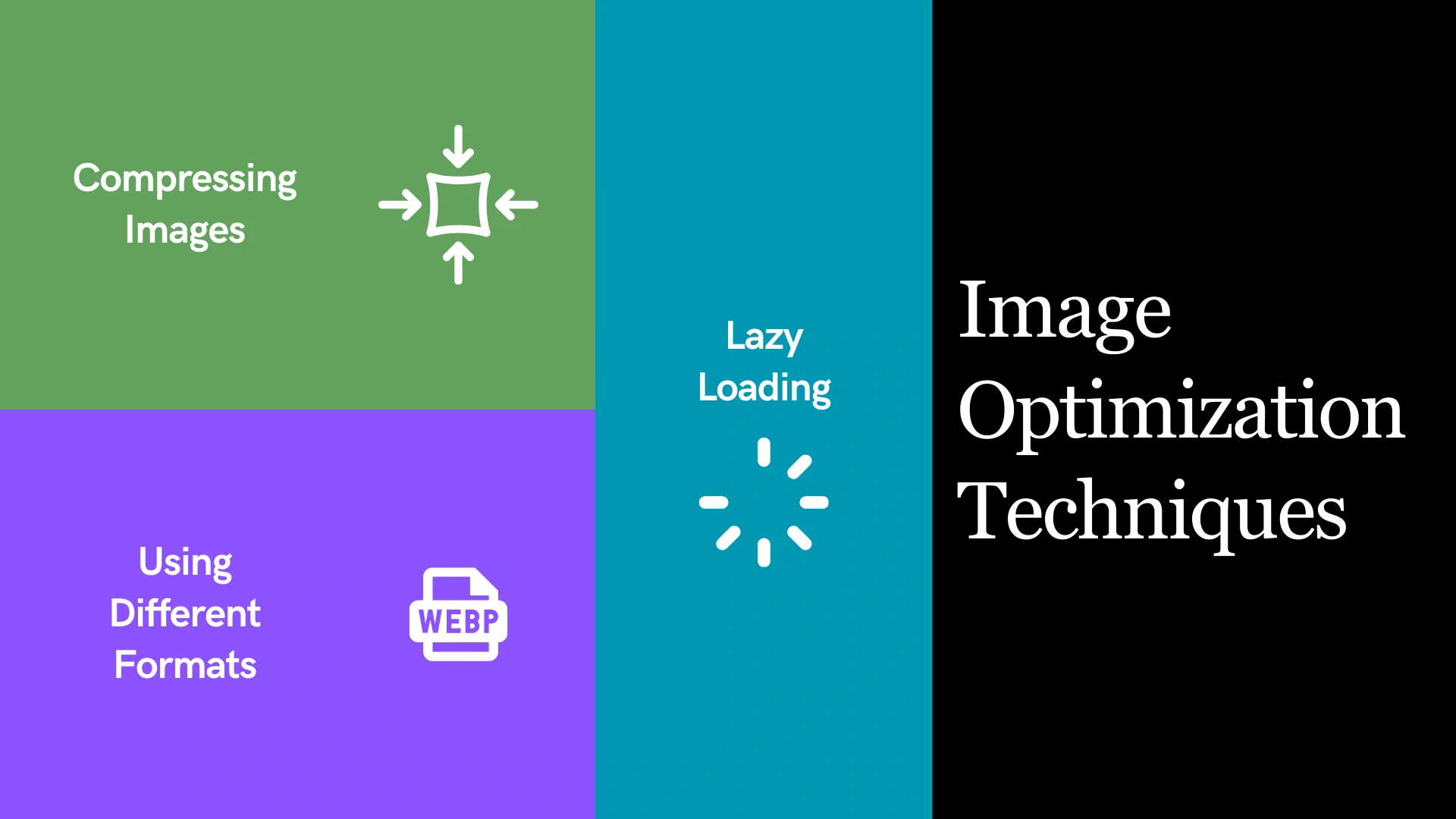
First, format matters. Modern formats like WebP reduce file size by 25-35% compared to PNG or JPEG, with no quality loss that users can see. In Webflow, upload your images and select WebP as the delivery format in the image settings. This alone can drop your LCP score significantly.
Second, size your images properly. If your product grid displays images at 300px wide, don't upload 1200px versions. That wastes bandwidth and download time. Use Webflow's responsive image feature to serve different sizes to mobile and desktop users. A mobile user browsing your marketplace doesn't need the same image resolution as a desktop user.
Third, lazy loading. Webflow supports native lazy loading, which defers offscreen images until users scroll to them. For marketplace listing pages with dozens of items, this can cut your initial page load time in half. Enable it in the image settings.
User-generated content (reviews, seller photos) is trickier. If sellers upload unoptimised images, your marketplace slows down. Use a service like Cloudflare Image Optimization or an equivalent to automatically compress and format images on upload. This adds a small cost but protects your marketplace performance across all seller uploads.
Managing scripts on Webflow for faster listings and checkout
Third-party scripts—analytics tools, chat widgets, recommendation engines, payment processors—accumulate quickly on marketplace sites. Each one adds weight and processing time. Most marketplace owners don't realise how many scripts run on every page.
Webflow lets you add scripts in the project settings or inline in page head/body. Start by auditing what you have. Open your marketplace in a browser, then check DevTools (Chrome: F12 > Network tab) to see which scripts load. Look for obvious culprits: chat widgets, recommendation engines, or analytics tools that aren't essential.
Defer non-critical scripts. If you have a chat widget, it doesn't need to load while your listing page renders. Use Webflow's before-closing-body-tag script placement to delay it until the page is interactive. This preserves LCP and INP, while still giving users access to chat shortly after arrival.
Payment processor scripts are essential but often heavy. Stripe, PayPal, and others offer async loading. In Webflow, place these scripts strategically—only on your checkout page, not your homepage or listing pages. Many marketplace owners load their payment processor globally, which tanks performance everywhere.
For analytics, use events sparingly. Tools like Google Analytics 4 and Segment add overhead. If you're tracking every interaction on your marketplace, you're slowing it down. Focus on critical events: product views, add-to-cart, and checkout. Batch non-essential tracking for later processing.
Mobile performance for marketplace users
Most marketplace traffic now comes from mobile. Yet many Webflow marketplace sites are desktop-first, with mobile versions that load slower than their desktop counterparts. This is a critical oversight.
Start by separating the experience. Webflow lets you hide elements on mobile or load different content for different devices. Use this. Mobile users don't need your full feature set immediately. Simplify the above-the-fold experience, delay heavy widgets, and prioritise the core listing browsing experience.
Test your marketplace on real mobile devices, not just browser simulators. 4G networks reveal performance issues that WiFi hides. Use Lighthouse (built into Chrome DevTools) to audit your mobile listing pages. Pay attention to "Opportunities" section—this highlights quick wins like unused CSS or unoptimised fonts.
Fonts are a common slow-down. If you're loading multiple font weights or families from Google Fonts, each one delays text rendering. Limit yourself to two font families, one or two weights per family. In Webflow, use the Typography panel to control this. This small change can improve text rendering time significantly.
Testing and monitoring page speed for marketplace growth
Optimisation is not a one-time task. Your marketplace grows, sellers upload new listings, you add new features. Speed degrades over time unless you monitor it actively.
Set up monthly PageSpeed audits using Google's PageSpeed Insights or Webflow's built-in monitoring. Create a spreadsheet to track your key pages: homepage, category listing, product detail, checkout. Track LCP, INP, and CLS scores over time. When a score drops, investigate why.
Use Webflow's Analytics feature to correlate performance with user behaviour. Do users bounce more from slow pages? Does checkout conversion drop when performance degrades? This data is invaluable for justifying optimisation work to stakeholders.
Set performance budgets. Decide in advance that your listing pages must load in under 3 seconds on 4G mobile. When new features or content threaten that budget, you have a clear reason to optimise or defer the feature. This prevents death by a thousand cuts.
Common performance pitfalls for Webflow marketplaces
Some mistakes show up repeatedly across marketplace sites built on Webflow. Watch for these patterns in your own platform.
Unoptimised CMS collections are the biggest culprit. If you're loading hundreds of product listings on a single page, your CMS query will timeout or your page will load slowly. Use pagination or infinite scroll paired with API calls to load listings in batches. This keeps each page lightweight and fast.
Unused CSS is another silent killer. Webflow can generate bloated stylesheets if your project has unused classes, old designs, or incomplete deletions. Regularly audit your CSS. Use Chrome DevTools > Coverage tab to identify unused styles, then clean them up in Webflow's code editor or by removing unused elements.
Redirect chains multiply on marketplace sites as you restructure categories or seller pages. Each redirect adds 100-500ms to load time. Use Webflow's redirect settings carefully. Avoid chains like /category/old -> /category/new -> /products/category/new. Go directly from old to new.
Render-blocking resources block your marketplace from becoming interactive. If a script runs before the DOM is ready, it delays everything. In Webflow, test your marketplace in Chrome DevTools (Lighthouse > Performance) to identify what's blocking render. Move non-critical scripts to the bottom of the page or defer them entirely.
Connecting speed to growth strategy
Page speed optimisation matters because it compounds with other growth initiatives. A fast marketplace that ranks well for "best [product] marketplace" will attract more organic users. Those users stay longer, convert better, and tell friends about the platform. Better conversion rates justify paid marketing investment. More revenue funds better development. It's a virtuous cycle.
The integration between technical optimisation, SEO, and marketing is where marketplace growth accelerates. If your marketplace is fast but ranks nowhere, no one finds you. If it's slow but ranks well, users bounce immediately. Both performance and visibility need attention together. That's why teams building marketplaces benefit from Journeyhorizon's integrated approach—combining marketplace development, technical SEO, and content strategy in one cohesive execution. Marketplace founders who treat speed as a growth lever rather than a technical task tend to win.
Frequently Asked Questions
What's the fastest way to improve my marketplace's page speed score?
Compress and optimise images first. This typically yields a 20-30 point improvement in PageSpeed score with minimal effort. If your marketplace has product images, this is your quickest win.
How often should I test my webflow page speed optimization efforts?
Test monthly on your key pages. Set calendar reminders. Performance changes gradually as you add features and content, so monthly audits catch regression before it becomes a major issue.
Does Webflow itself slow down marketplaces?
No. Webflow's hosting and infrastructure are fast. Performance issues almost always stem from poor image optimisation, too many scripts, or inefficient CMS queries—all things you control.
Can I improve page speed without redesigning my marketplace?
Yes. Most improvements come from optimising existing elements: images, scripts, and CSS. A full redesign is rarely necessary. Focus on the technical optimisations first.