Screaming Frog Guide for Marketplace SEO Founders

Most marketplace founders think about SEO in terms of content and backlinks. The technical side gets pushed aside until something breaks, rankings drop, or a developer flags an issue during a site review. By that point, the problems have often compounded. A solid screaming frog guide changes that. It gives you the ability to audit your own platform, understand what search engines actually see, and prioritise fixes based on data rather than guesswork.
At Journeyhorizon, we work with marketplace founders who are scaling their platforms and want their SEO infrastructure to support that growth. One of the first tools we reach for during any technical audit is Screaming Frog SEO Spider. It is not glamorous, but it is precise. And precision matters when your platform has hundreds or thousands of URLs generated dynamically from listings, categories, and filters.
What Screaming Frog SEO Spider Actually Does
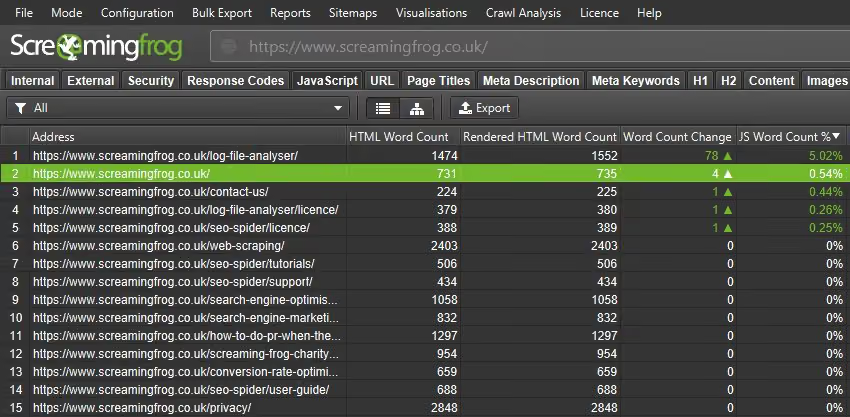
Screaming Frog is a website crawling tool. It mimics how search engine bots move through your site, following links from page to page, and recording what it finds at every URL. The output is a structured dataset that tells you the SEO health of every page it crawls: status codes, titles, meta descriptions, headings, canonical tags, response times, redirect chains, and much more.
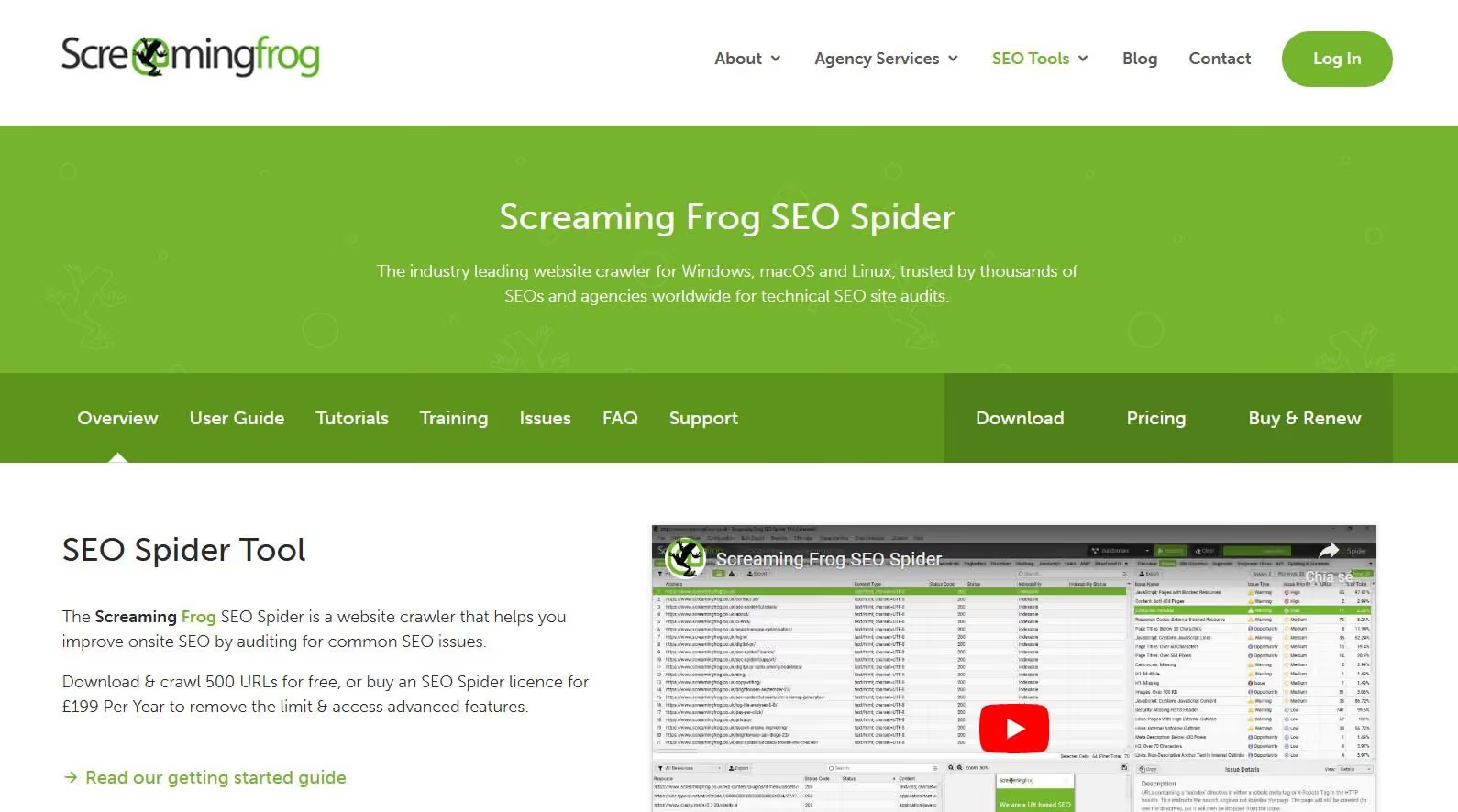
The free version crawls up to 500 URLs, which is enough to audit a small site or run targeted spot-checks on a larger one. The paid licence removes that cap and unlocks features like JavaScript rendering, Google Analytics integration, custom extraction via XPath, and scheduled crawls. For a marketplace with a growing URL inventory, the paid version is almost always worth the investment.
What makes Screaming Frog valuable is not just the data it captures, but the speed at which it captures it. A crawl that would take weeks of manual checking runs in minutes. The challenge is knowing what to look at and what it means for your specific platform.
Setting Up Your First Crawl
Once you have downloaded and installed the SEO Spider, getting started is straightforward. Enter your domain in the search bar at the top and click Start. The tool will begin crawling immediately using its default settings.
Before you run a full crawl on a large marketplace, there are a few configuration settings worth adjusting. Under Configuration, set the crawl depth and URL limit to something sensible if you are testing. Turn on JavaScript rendering if your marketplace uses client-side rendering, which many Sharetribe-based platforms and custom-built marketplaces do. Without rendering enabled, Screaming Frog will only see the raw HTML shell, not the content that loads dynamically.
If you want to crawl only a specific section of your site, such as your category pages or listing pages, you can use the Include or Exclude rules under Configuration to limit scope. This is especially useful when you want to audit one area without pulling in thousands of unrelated URLs.
The Technical Issues That Matter Most for Marketplace SEO
Generic SEO guides list dozens of issue types. In practice, marketplace sites tend to surface the same core problems repeatedly. Here are the ones that consistently have the most impact.
4xx errors and broken internal links. When listings expire, get removed, or when URL structures change after a platform migration, internal links pointing to those pages become broken. Screaming Frog surfaces these under the Response Codes tab. A cluster of 404 errors on listing or category pages is a signal that your internal linking structure needs attention and that you may be losing crawl budget on dead ends.
Redirect chains and loops. Marketplaces often accumulate redirects over time, particularly after migrations or URL structure changes. A redirect chain, where URL A redirects to URL B which redirects to URL C, dilutes link equity and slows page load time. Screaming Frog flags these clearly and shows you the full redirect path so you can clean them up.
Missing and duplicate meta titles and descriptions. With dynamic page generation, it is common to see dozens or hundreds of pages sharing the same title template or, worse, having no title at all. Filter the Page Titles tab by "Missing", "Duplicate", or "Over 60 Characters" to find these quickly. The same applies to meta descriptions under the Meta Description tab.
Thin and duplicate content pages. Filter pages in Screaming Frog by low word count to identify pages that are unlikely to rank on their own. On a marketplace, this often points to empty category pages, stub listing pages, or auto-generated tag pages that serve no real user purpose. These dilute your crawl budget and can drag down the overall authority of your domain.
What Marketplace Category and Listing Pages Need
This is where using a screaming frog guide specifically for marketplaces becomes different from a generic web audit. Marketplaces generate URLs at scale. A platform with 50 categories, 10 sub-categories per category, and 200 active listings per sub-category quickly reaches tens of thousands of pages. Add faceted navigation filters, and the URL count can multiply again.
Screaming Frog helps you answer three specific questions for marketplace URL structures. First, which pages are being canonicalised correctly? Faceted navigation typically creates near-duplicate pages, and if canonical tags are not implemented properly, you may be instructing Google to crawl and index content you intended to consolidate. Check the Canonicals tab to see which pages carry canonical tags and whether they are self-referencing or pointing elsewhere.
Second, how is your internal linking structured? Run the crawl and use the Inlinks tab on individual pages to see how many internal links point to each URL. Category pages with strong internal linking tend to accumulate authority and perform better. Listing pages with zero or one inbound internal link are unlikely to rank well unless they have strong external backlinks. The data Screaming Frog provides here is the foundation for any internal linking strategy.
Third, what is your indexation logic telling search engines? Use the Directives tab to audit your noindex and nofollow tags. On a marketplace, it is common to discover that important category pages have been accidentally set to noindex, often as a legacy result of a development decision that was never reversed. That single issue can account for significant ranking losses.
Reading Your Crawl Data Like a Strategist
The biggest mistake founders make after running a crawl is trying to fix everything at once. Screaming Frog will surface issues across multiple dimensions, and not all of them carry the same weight. A strategic read of the data starts with impact and effort.
Prioritise issues that affect your highest-traffic or highest-value pages first. A missing title tag on a low-traffic tag page is far less urgent than a redirect chain affecting your top five category pages. Use the crawl data alongside your Google Search Console traffic and impression data to cross-reference which URLs actually matter to your organic performance.
Export the data to a spreadsheet and group issues by type and severity. This gives you a clear audit document that a developer or SEO specialist can work from directly. If you are working with a Hire Technical SEO specialist, handing over a structured Screaming Frog export saves significant time and focuses the engagement on fixing problems rather than finding them.
For marketplaces running on Sharetribe or custom-built platforms, many of the fixes Screaming Frog surfaces require template-level changes rather than page-by-page edits. A missing canonical tag or an incorrect robots directive is usually a code-level fix that, once done, resolves the issue across hundreds of pages simultaneously. That is where having the right Marketplace Developer on hand makes the difference between a two-hour fix and a two-week bottleneck.
Turning Audit Findings Into a Growth Action Plan
A screaming frog guide is only useful if the output leads to action. The audit is the starting point, not the destination. Once you have identified your priority issues, the next step is building a prioritised fix list that maps to business outcomes: more pages indexed, better crawl efficiency, stronger category page performance, and cleaner URL structures that compound over time.
For marketplace SEO, the technical layer connects directly to growth. Fixing redirect chains reduces wasted crawl budget. Consolidating thin listing pages improves the authority of your key category URLs. Getting your canonical logic right ensures that Google indexes the pages you want ranked, not duplicates. These are not abstract optimisations. They show up in rankings, traffic, and over time, in revenue.
Teams at Journeyhorizon combine technical audits with ongoing SEO execution for marketplaces and digital platforms. Whether that means identifying structural issues through tools like Screaming Frog, executing on-page fixes at the template level, or building out the content architecture that supports long-term organic growth, the work connects development and marketing into one coherent system. If your marketplace needs that kind of support, the SEO Service and Marketing Team for Hire pages are a good place to start.
Frequently Asked Questions
How often should I crawl my marketplace with Screaming Frog?
For actively growing marketplaces, a monthly crawl is a reasonable baseline. If you are running frequent migrations, adding new categories, or deploying significant template changes, run a crawl after each deployment. Comparing crawl snapshots over time is one of the most effective ways to catch regressions before they affect rankings.
Is the free version of Screaming Frog enough for a marketplace?
The free version is limited to 500 URLs, which is useful for small sites or focused spot-checks. Most marketplaces with active listing inventory will exceed that limit quickly. The paid licence costs around £259 per year and removes the URL cap entirely, making it a practical investment for any team running regular technical audits.
What is the most common issue found in marketplace crawls using this screaming frog guide approach?
Duplicate or missing meta titles across dynamically generated pages is the most frequent issue. This is typically a template-level problem where the page title defaults to a generic string rather than pulling from listing or category data. It affects a large volume of URLs at once and is usually a straightforward fix once identified.
Can Screaming Frog replace a full technical SEO audit?
Screaming Frog is a core part of a technical SEO audit, but it does not cover everything. It does not assess Core Web Vitals in depth, evaluate backlink profiles, or analyse keyword rankings. Think of it as the site-crawling layer of a broader technical audit. Used alongside Google Search Console, a backlink tool, and a page speed tool, it gives you a comprehensive picture of your site's technical health.

.avif)
.avif)