How to Migrate to Webflow: Strategic Guide for Leaders
.avif)
How to migrate to webflow is the question CEOs and marketing leaders increasingly ask when their platform can't scale. Migration can feel risky, expensive, and disruptive, yet staying on a slow, inflexible platform becomes the bigger risk for businesses dependent on organic growth. Webflow has become the default choice for companies that need better performance, design control, and the ability to update content without engineering dependencies.
What many business leaders don't realise is that migrating to Webflow isn't just a technical exercise. It's a strategic opportunity to rebuild your content architecture, fix your SEO foundation, and create a marketing website that actually grows with your business. Journeyhorizon has helped dozens of marketplace founders, SaaS teams, and digital-first businesses navigate this transition successfully, and the pattern is clear: companies that approach migration as a business decision rather than just an IT project see measurably better outcomes.
Why Companies Are Migrating to Webflow
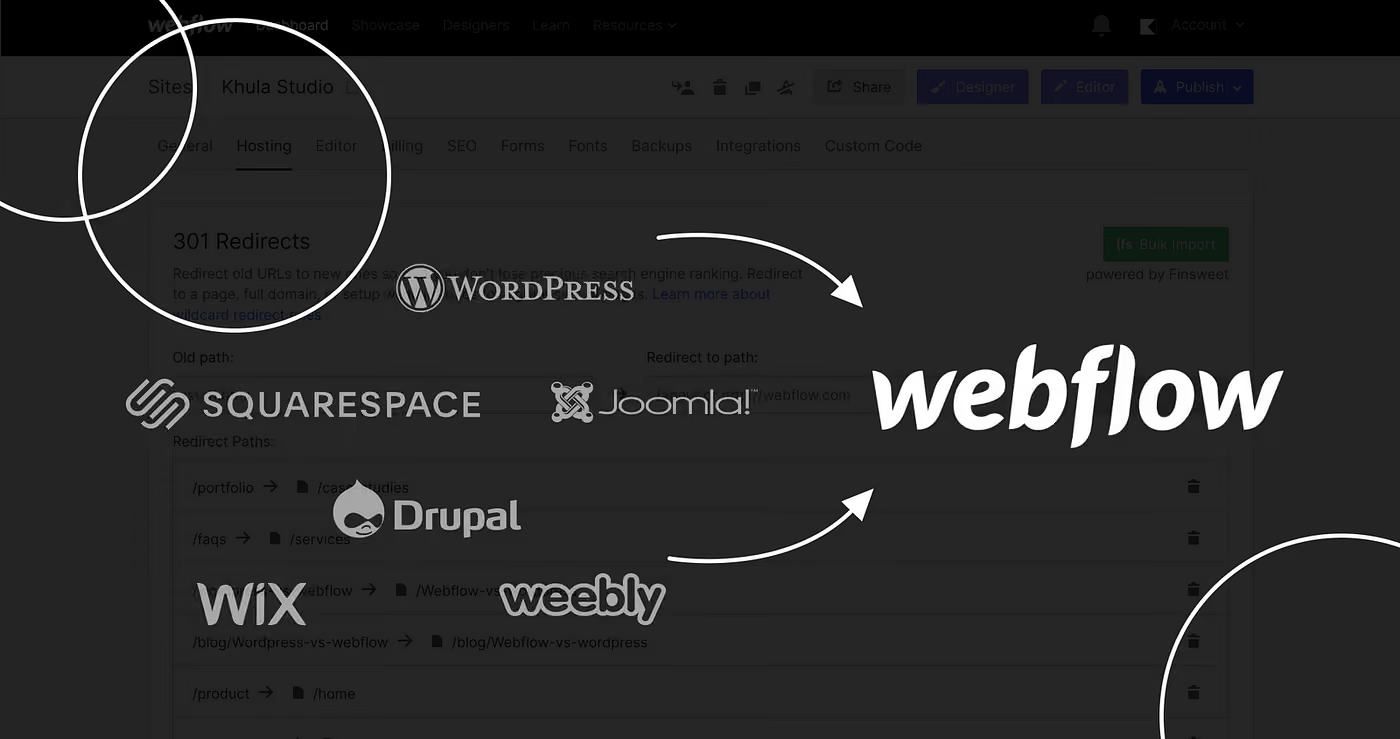
The shift towards Webflow isn't happening by accident. Over the past few years, three things have converged: first, no-code platforms have matured enough to handle real business complexity; second, teams have realised that WordPress's flexibility comes at the cost of constant maintenance and security patches; and third, the demand for faster, more user-friendly design platforms has become non-negotiable for competitive brands.
For marketplace founders running on Sharetribe, custom platforms, or other SaaS tools, Webflow often becomes the obvious choice for a dedicated marketing website. Your marketplace handles transactions, but your marketing website needs to handle storytelling, content strategy, and SEO. That separation makes technical sense. It also makes business sense. A marketplace backend and a marketing frontend have completely different requirements, and forcing them into the same platform almost always means compromises on both sides.
The other driver is speed and control. WordPress sites often become sluggish as they accumulate plugins. Theme updates break layouts. Security vulnerabilities create stress. Webflow eliminates these friction points. Your team can update copy, publish new content, and adjust designs without a developer in the loop. That autonomy matters more than most agencies admit.
When to Migrate vs. When to Rebuild
This is the first strategic decision, and it's worth getting right. How to migrate to webflow assumes you have an existing site worth preserving. That's not always the case.
You should migrate your existing site if your content, SEO value, and user journeys are strong. You've built something that works, and you just need to move it to better infrastructure. Migration preserves your organic traffic, your backlinks, and your hard-won search rankings. If you have even modest organic visibility, the risk of losing it during migration is real enough to warrant a structured approach.
You should rebuild if your current site is outdated, your navigation is broken, your pages aren't ranking anyway, or your content strategy needs a fundamental rethink. Rebuilding gives you permission to rethink everything: your URL structure, your content hierarchy, your internal linking, your conversion paths. That freedom is valuable, especially if your current site has years of cruft and poor decisions baked into it.
The honest answer for many businesses is somewhere in between. You might preserve your core content but restructure your information architecture. You might keep your high-performing pages but redesign everything else. Webflow SEO planning starts with this audit: which content has proven value, and which is just taking up space?
The Migration Process: Technical Foundations
Start by exporting your content from your current platform. Most platforms have export options or APIs. Create a spreadsheet with every page's current URL, target URL in Webflow, and required redirects. This becomes your source of truth. Design your new Webflow site first with placeholder content, then migrate content. This order prevents endless rework. Content migration includes importing CMS fields via CSV or API, moving media assets, and rebuilding internal links. Custom app development can automate this for unusual platform structures.
Managing SEO During Migration: The Critical Phase
This is where most migrations fail. The core risk is changing URLs. Every indexed page on your current site has value that gets lost if you change the URL without proper 301 redirects. Set up permanent redirects from every old URL to exactly one new URL. No chain redirects, no catch-alls. One-to-one mapping preserves ranking value. Before launch, configure robots.txt, submit your sitemap to Google Search Console, verify canonical tags, and fill in meta descriptions. Technical SEO is the difference between a migration that preserves organic visibility and one that tanks it. Monitor Google Search Console after launch for crawl errors and drops in indexed pages.
Rebuilding Content Architecture for Growth
Migration is an opportunity to fix content sprawl. Most sites have scattered blog posts, duplicate landing pages, and underperforming category pages. Delete low-performing content, consolidate similar pages, and build thematic clusters with central pillar pages. Webflow's CMS capabilities enable dynamic content collections and SEO-smart internal linking. For marketplace operators and SaaS companies, this is where you align your marketing website with your product architecture, ensuring category pages and content hubs serve both user intent and business goals.
Real Timeline and Resource Expectations
A typical website migration to Webflow takes 6 to 12 weeks depending on size and complexity. Small sites (50-100 pages) need 6-8 weeks. Medium sites (100-300 pages) need 8-12 weeks. Larger sites may take 12+ weeks and benefit from phased migration. Resources typically include a project manager, Webflow designer, content person, and someone who knows your current platform. For businesses serious about this, Webflow development services compress timelines by eliminating common gotchas.
Post-Migration: The Next Phase
Launch day isn't the finish line, it's the start. Immediately after going live, monitor your site's stability, traffic, form submissions, and Google's ability to crawl your new URLs. The first two weeks are about confirming nothing broke. Then shift focus to growth. Publish content you couldn't before, test new landing pages, update old content. These activities make the migration actually pay off. Someone needs to own your Webflow site long-term, publishing regularly and monitoring performance. Marketing team support often includes ongoing site management, which matters more than most teams anticipate.
Frequently Asked Questions
Will migrating to Webflow hurt my Google rankings?
Not if you set up your redirects properly and keep your content architecture largely the same. The risk isn't Webflow – it's poor redirect mapping or deleting pages without redirecting them. Many sites actually gain rankings after migrating to Webflow because the new platform is faster, better structured, and easier to optimise.
How much does a migration to Webflow cost?
Small migrations might cost $5,000-$15,000. Larger ones with significant content restructuring or custom functionality can run $30,000-$100,000+. The cost scales with complexity, size, and whether you use an agency. Internal resources are cheaper but slower. Agencies are faster but more expensive. Hiring a freelancer is unpredictable. Most businesses find the agency route makes sense because the speed and expertise pay for themselves through faster time-to-revenue.
Can I migrate content from platforms other than WordPress?
Yes. Shopify, HubSpot, custom platforms, even static HTML sites – all can be migrated to Webflow. The process is slightly different for each, but the principles are the same: export content, map URLs, set up redirects, rebuild structure in Webflow.
How long does it take to see SEO improvements after migrating to Webflow?
Most sites see their organic performance stabilise within 2-3 weeks, assuming migration was done correctly. Ranking improvements (from better site speed, structure, or new content) typically take 4-8 weeks to show up measurably. Google's crawl frequency and indexing speed vary, so this isn't exact.
The real value of knowing how to migrate to Webflow is that you're moving to a platform built for modern digital business. It's faster, it's more scalable, and it puts control back in the hands of your team. Whether you're a marketplace founder needing dedicated marketing infrastructure or a CEO looking to reduce your dependence on developers, migration is worth the effort if you approach it strategically. Journeyhorizon has guided dozens of companies through this transition, helping them avoid common pitfalls and accelerate their growth on a stronger platform. That's why so many fast-growing companies have already made the switch.